
Mastering Smartphone Software Diagnostics and System Recovery
Modern smartphones carry everything from personal bank credentials to treasured photo libraries, making an unexpected software glitch deeply disruptive. A frozen screen during a routine update or an essential messaging application that abruptly closes disrupts daily routines within seconds. When these errors strike, most users assume their hardware has failed permanently, though the actual cause sits quietly in the software layer.
Mobile operating systems balance hundreds of background tasks every second, managing processor allocation, battery draw, network requests, and memory usage. An interruption during a background sync or an incompatible update file can throw this delicate balance into chaos. Resolving these software conflicts requires systematic diagnostic routines rather than guesswork or hasty factory resets that wipe out valuable personal information.
Decoding Mobile Operating System Errors
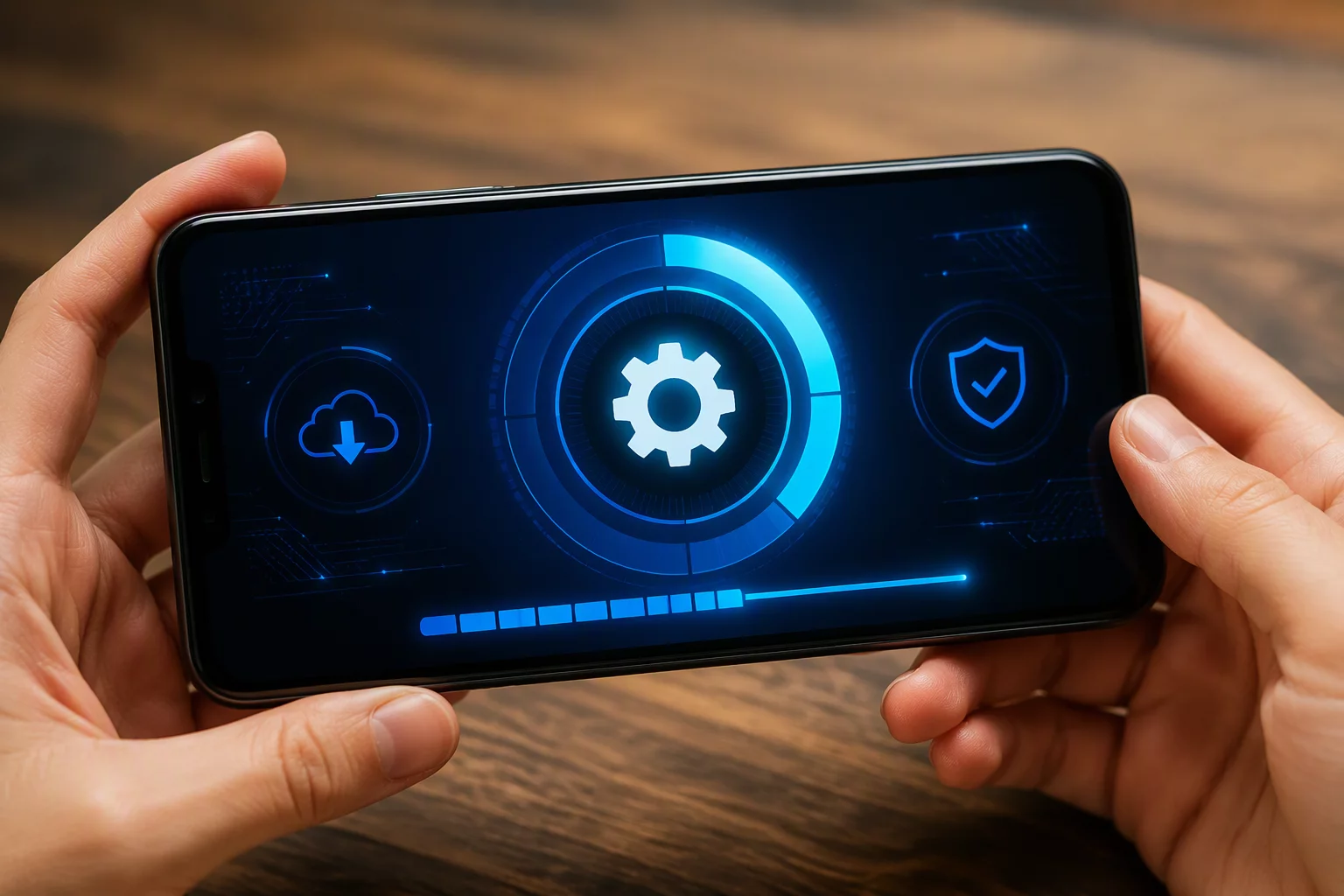
Operating system updates arrive regularly to enhance security defenses and introduce modern interface features. An unstable wireless connection or depleted battery during the installation phase can corrupt the partition table. The phone then becomes trapped in a continuous reboot cycle, repeatedly flashing the manufacturer logo without ever loading the home screen.
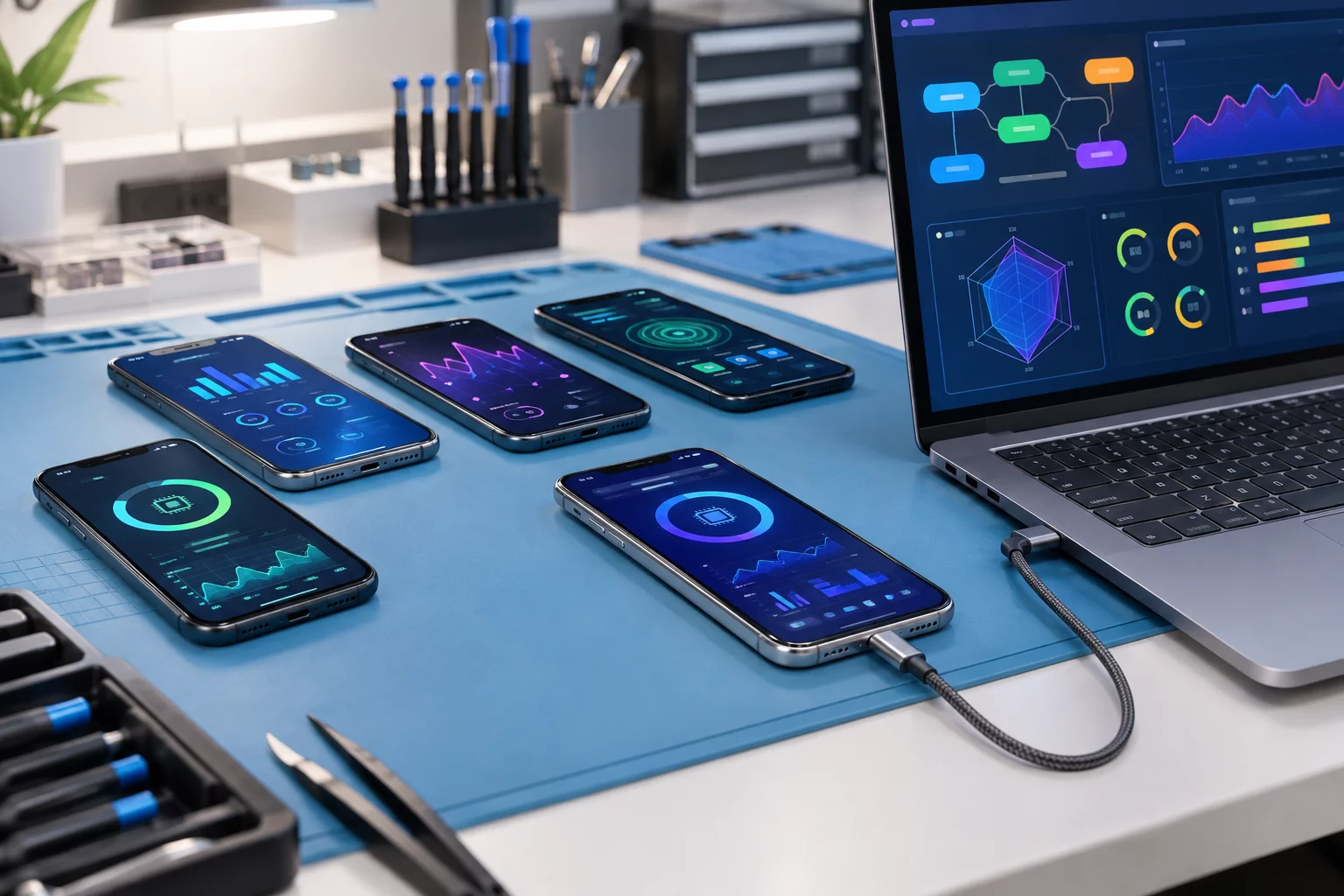
Restoring a phone from a boot loop requires direct communication with the recovery kernel through specialized diagnostic utilities. These tools scan the system partition for mismatched cryptographic signatures and broken configuration scripts. Repairing these specific components revives the mobile operating system while keeping stored text conversations, contacts, and personal photos completely safe.
Resolving Application Conflicts and Background Drain
Third-party applications enrich our daily phone experience, but poorly optimized code can introduce serious operational bottlenecks. Two distinct programs often request exclusive access to the camera hardware or location services simultaneously. This resource contention results in sudden software crashes, sluggish touch response, and excessive heat buildup along the back panel of the phone.
Many background utilities continue consuming processor cycles long after you swipe them away from the active screen. Auditing these background processes reveals rogue background activity and excessive memory leakage. Applying proper application sandboxing and permission management stops unwanted background activity and instantly restores battery life.
A thorough software diagnostic and tune-up routine targets several common problem areas:
- Clearing accumulated system cache partitions without removing user credentials
- Revoking excessive background permissions from aggressive utility and advertising apps
- Fixing persistent push notification failures and background sync stalls
- Repairing corrupted app database files that cause instant launch crashes
- Correcting authentication loops inside secure banking and identity applications
Troubleshooting Network and Connectivity Profiles
Wireless communication depends on precise software handshakes between your phone modem and local network towers. A corrupted network configuration file can disable cellular data access, prevent Wi-Fi connections, or block Bluetooth pairing with essential accessories. Toggling airplane mode occasionally resets basic radio states, yet deeper network certificate errors remain unaffected.
Diagnostic tools analyze the carrier profile configurations and stored security certificates inside the operating system. Rebuilding these network preference files restores proper cellular roaming and resolves dropped call problems. This targeted approach fixes wireless connectivity without altering your home screen layout or personal app arrangements.
Safeguarding Data During System Rebuilds
Privacy and data retention remain paramount whenever dealing with complex software troubleshooting. Modern mobile operating systems utilize advanced file-based encryption tied directly to the hardware security module. Careless troubleshooting steps can lock users out of their encrypted storage volumes permanently, making professional software recovery procedures indispensable.
Technicians establish secure diagnostic bridges to create complete physical backups before executing deeper firmware flashes. Once the underlying operating system files receive fresh, verified code signatures, the user data merges back cleanly without file loss. Regular software maintenance, timely system patch management, and clean application hygiene keep your phone responsive, secure, and reliable for years to come.